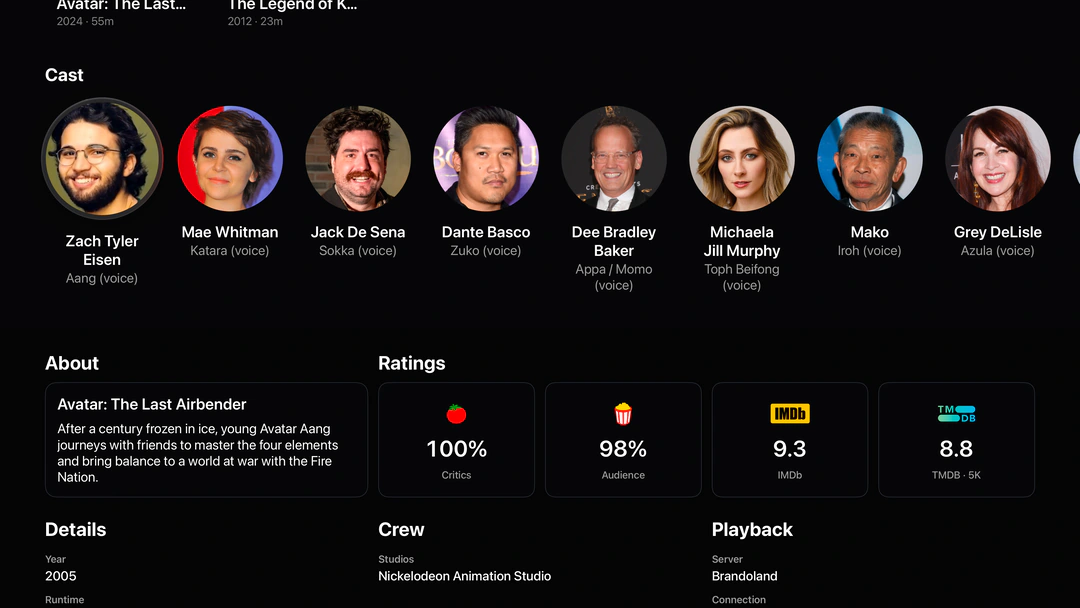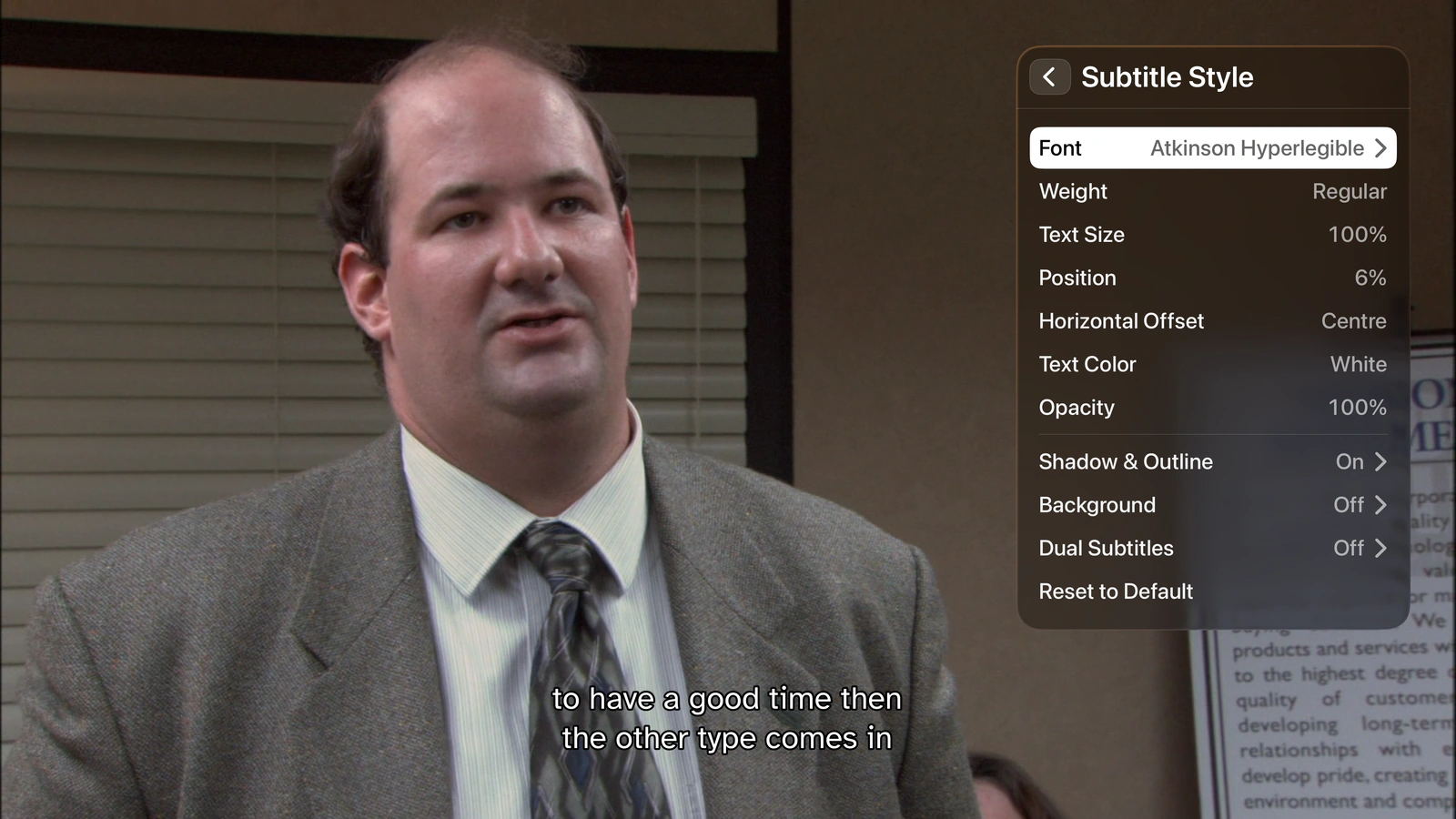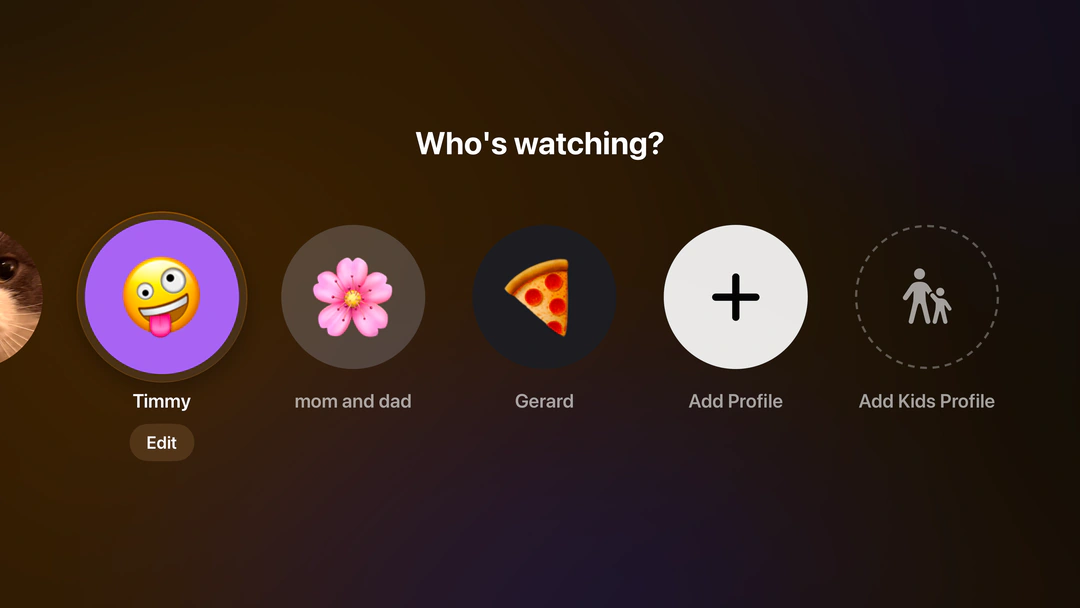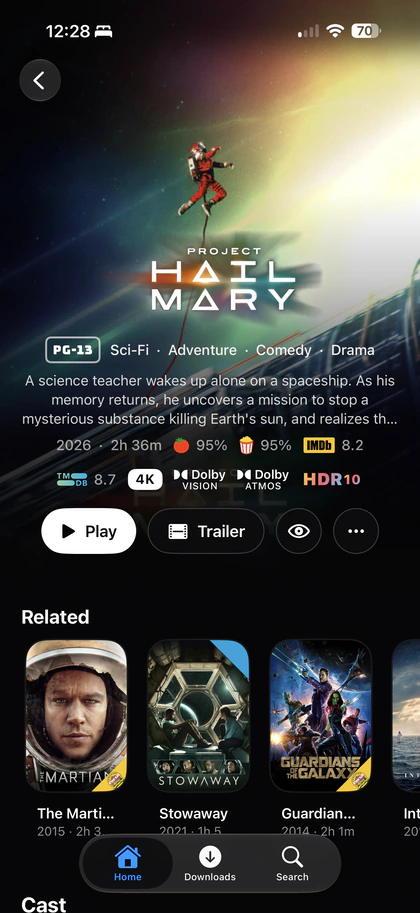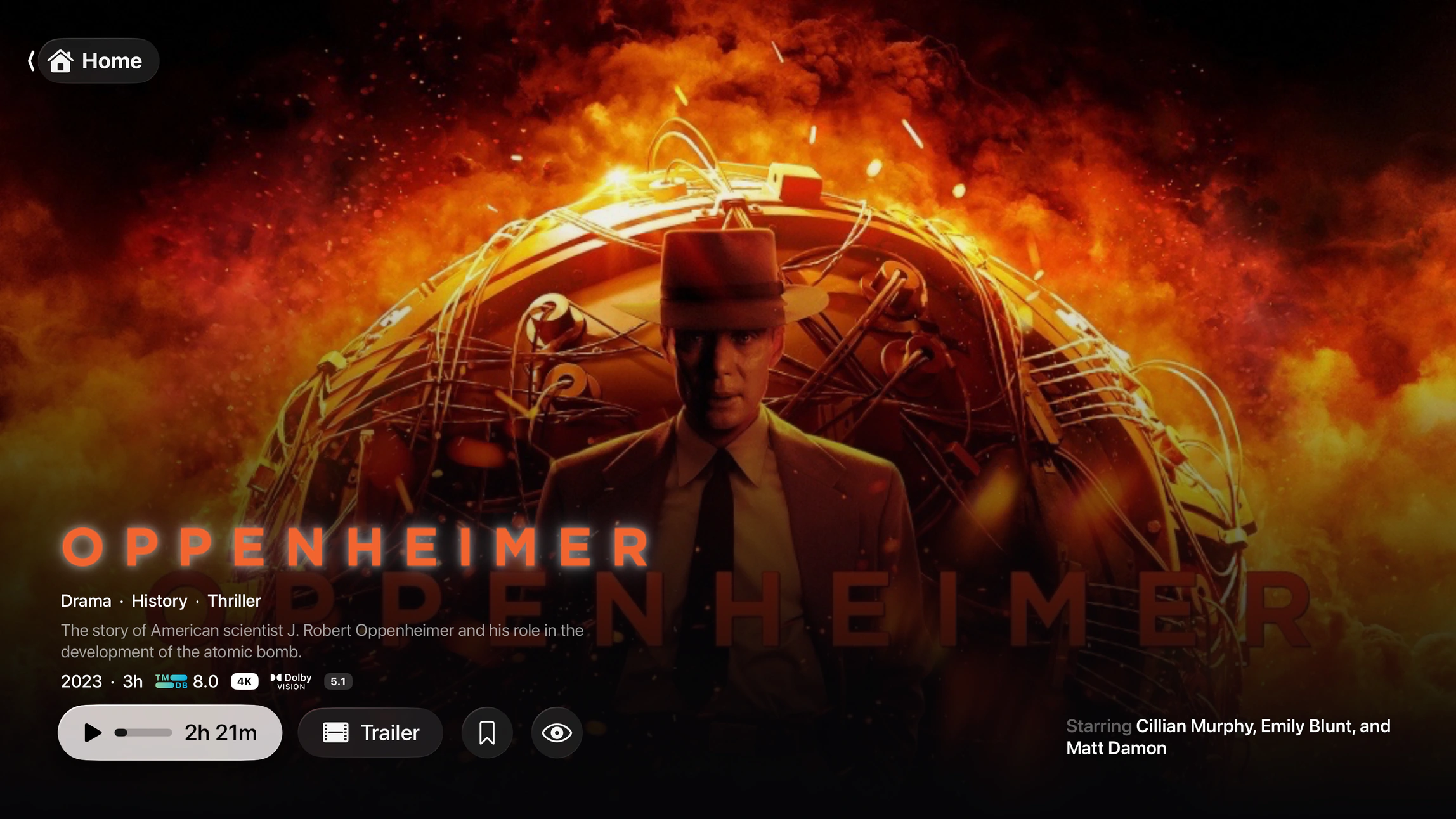
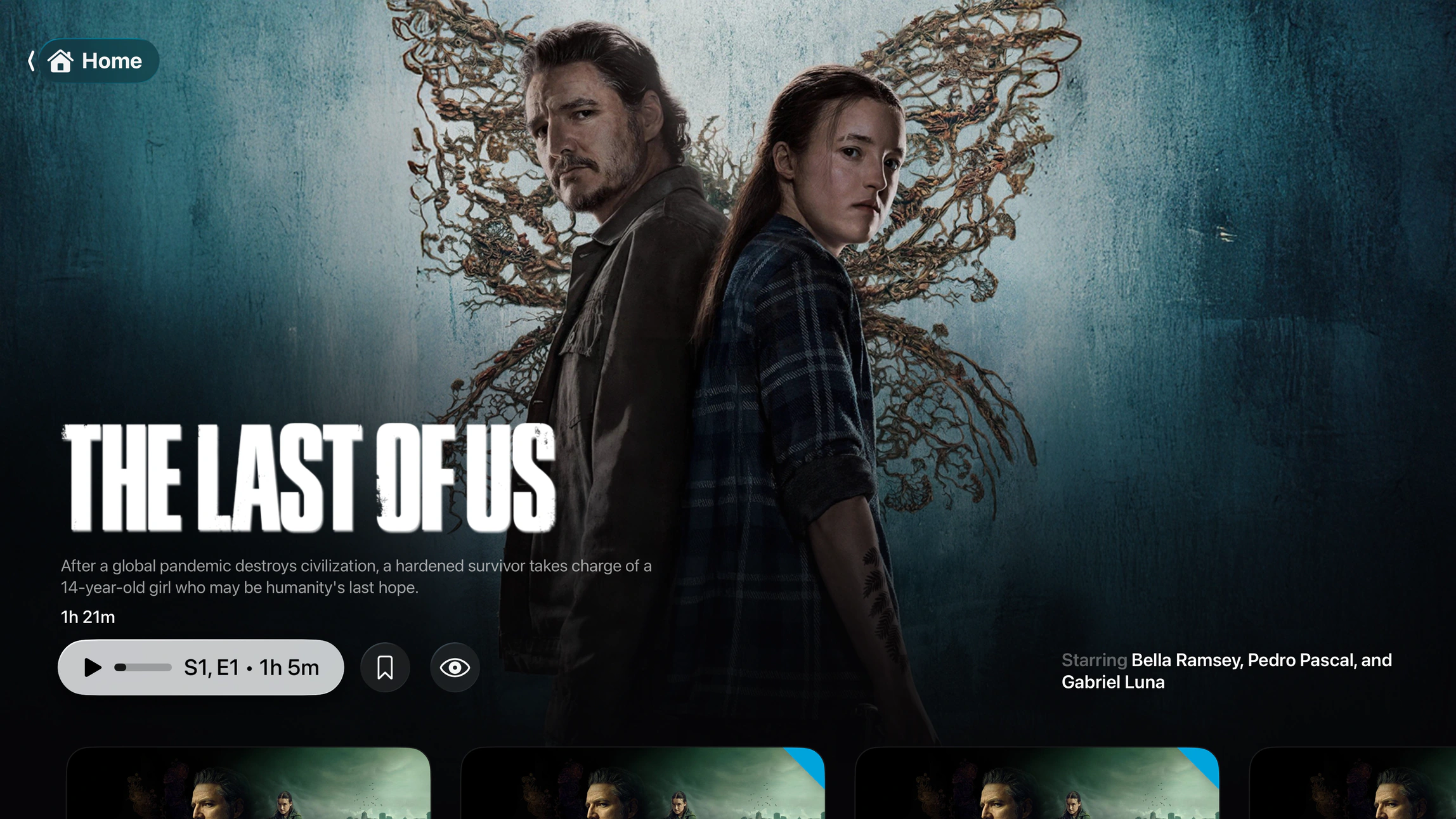
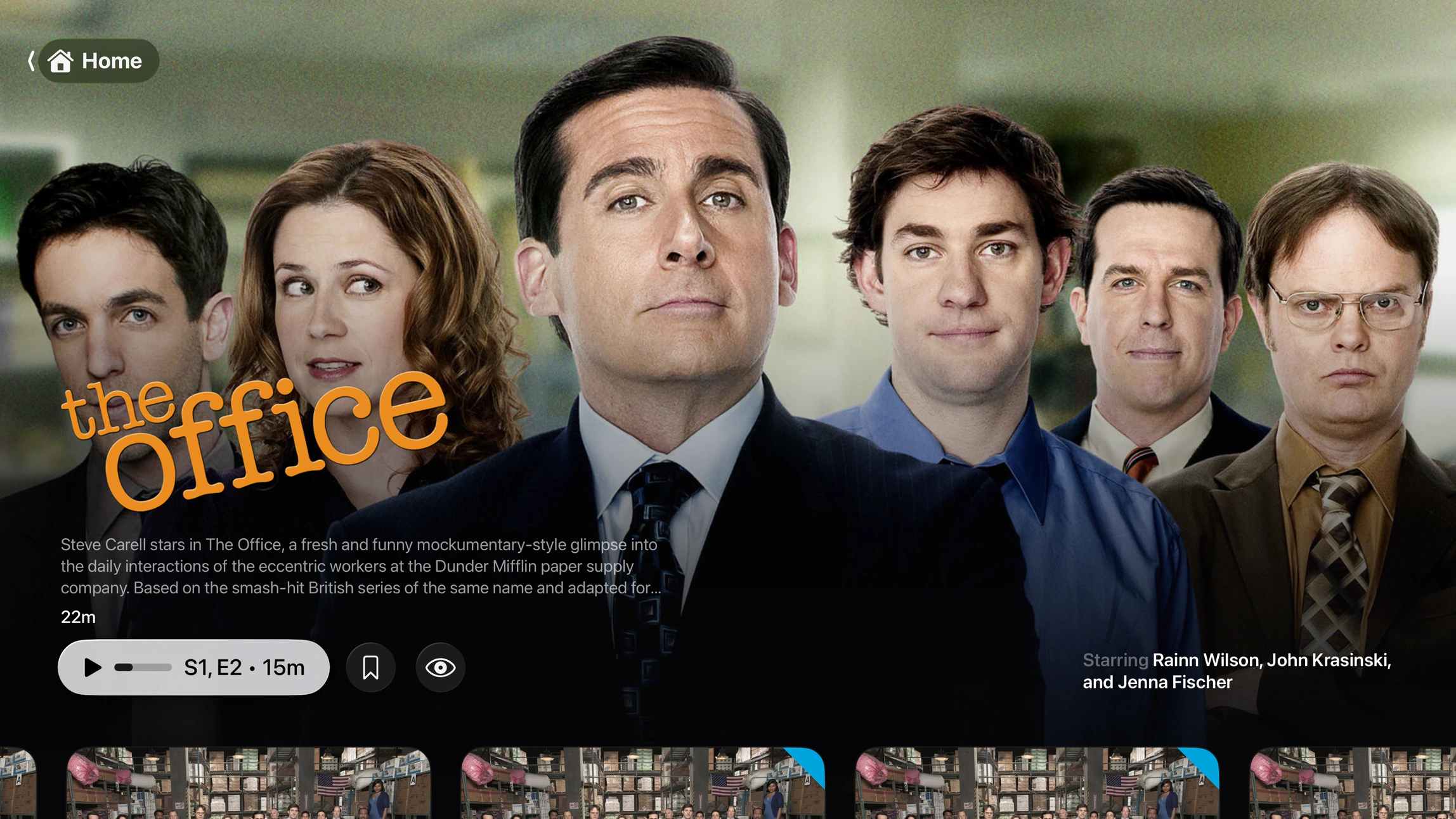
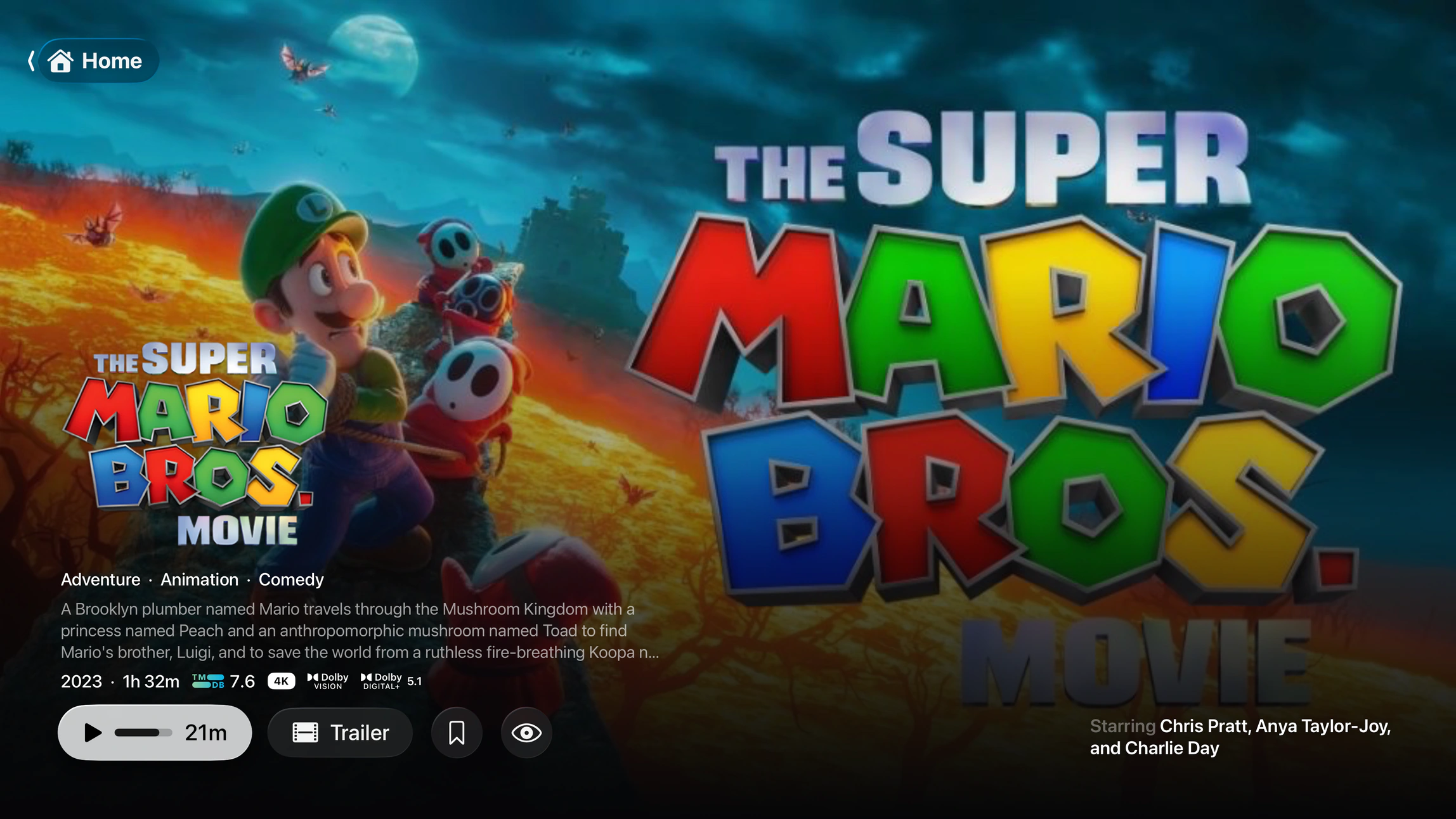
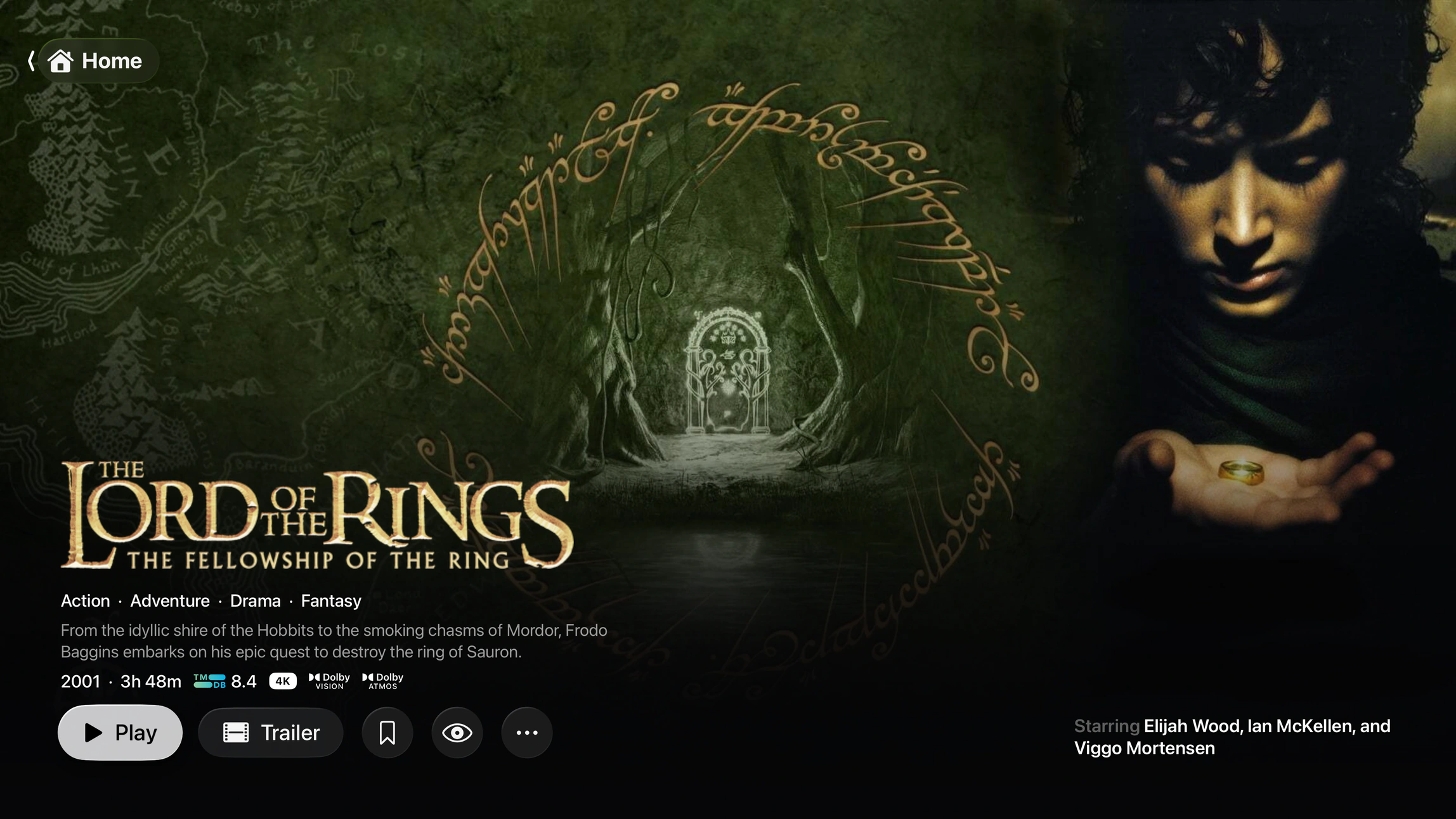
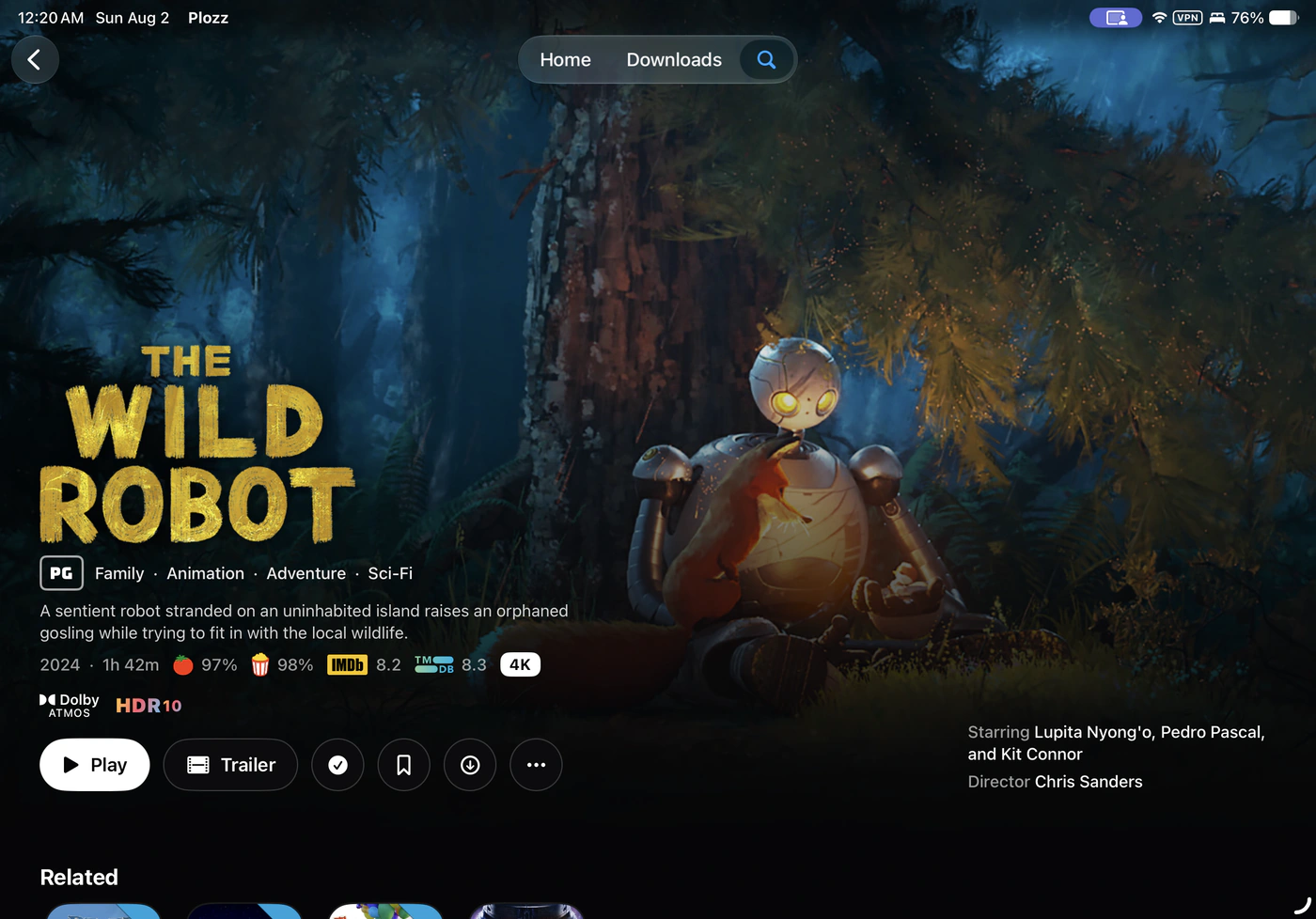
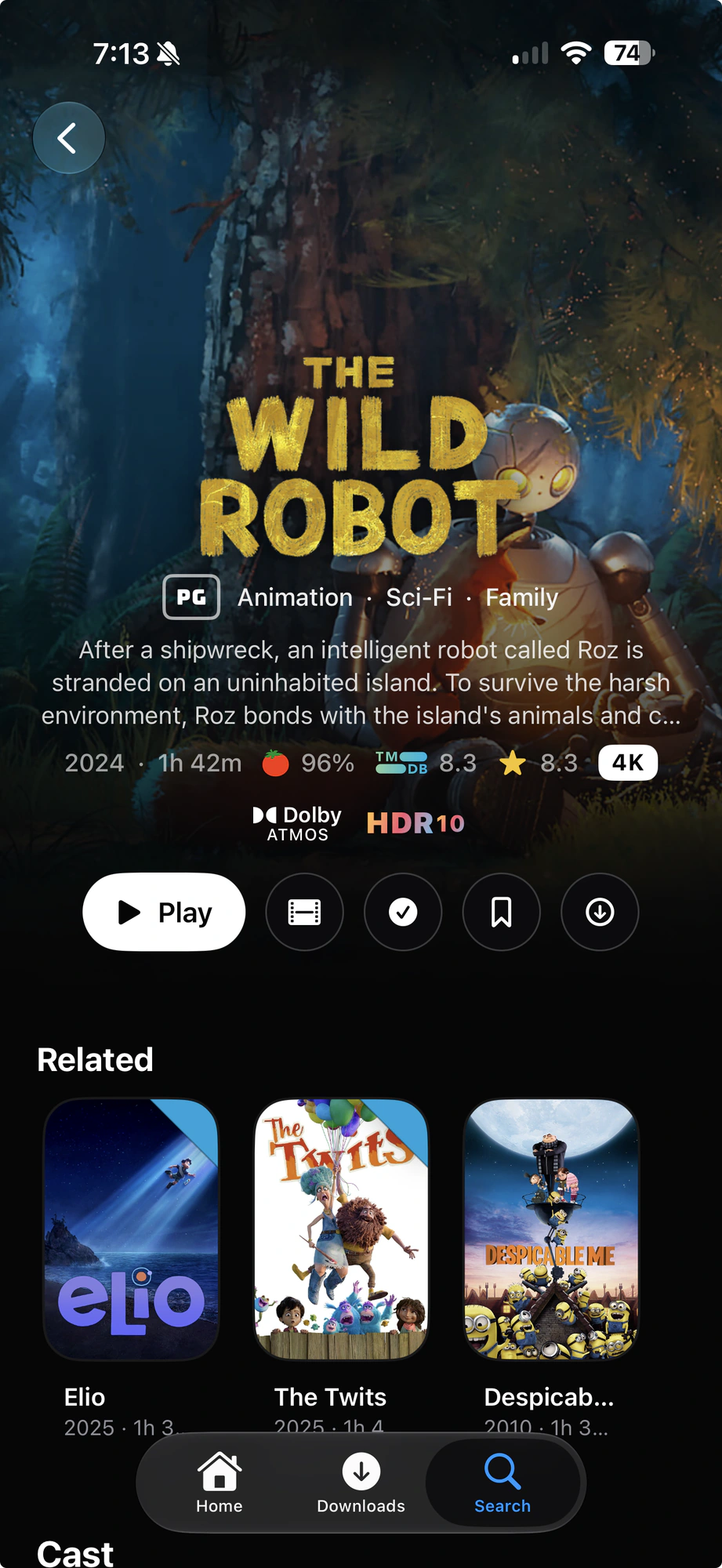
Synced to all of your devices
Sync profiles, preferences and server setup through iCloud. Server credentials aren’t cloud-synced. Set up another device from an existing one; Silo asks you to approve the new device separately.
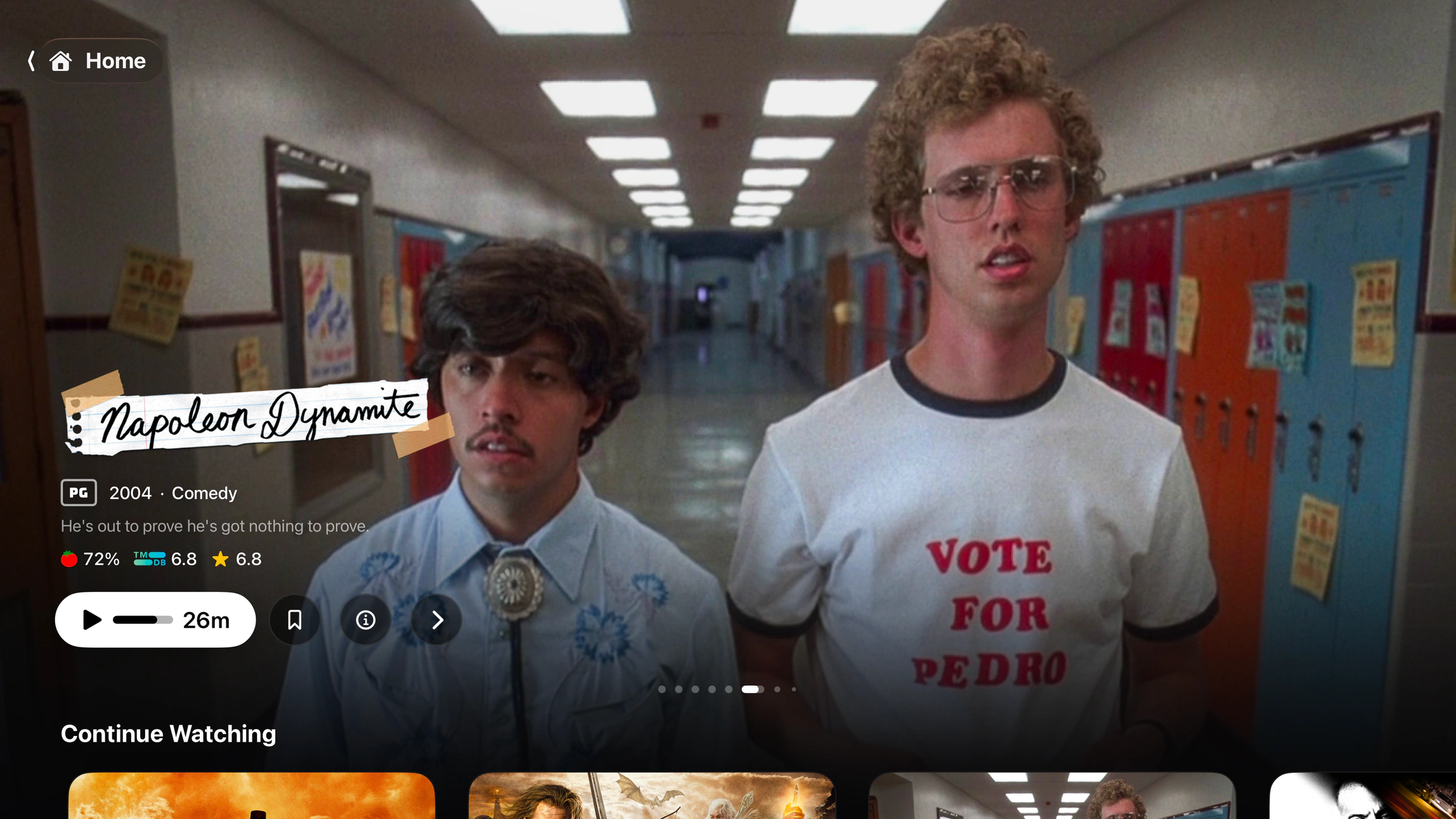
Sync profiles, preferences and server setup through iCloud. Server credentials aren’t cloud-synced. Set up another device from an existing one; Silo asks you to approve the new device separately.
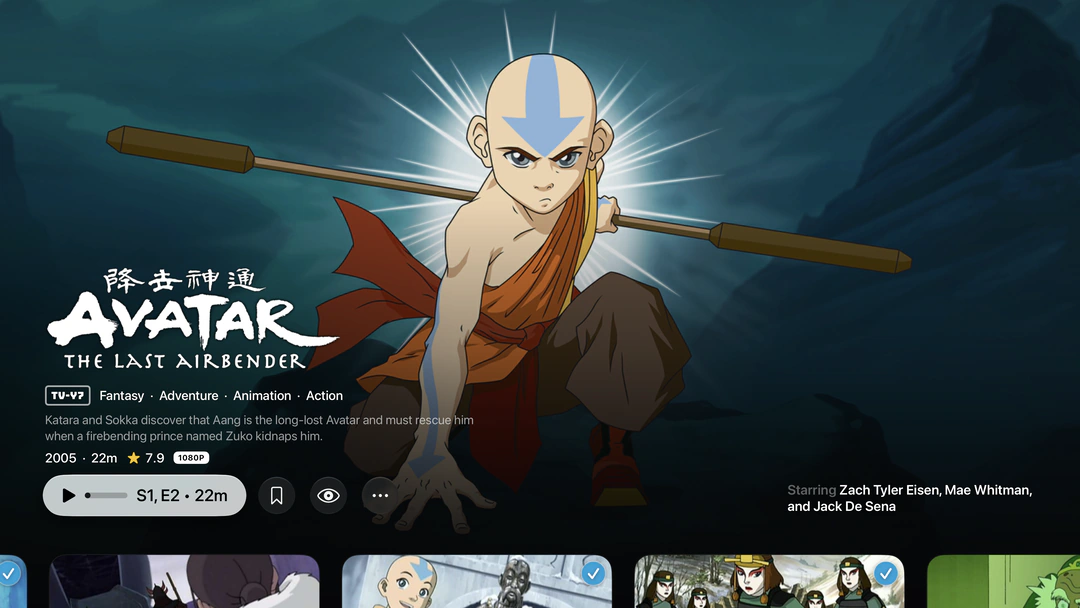
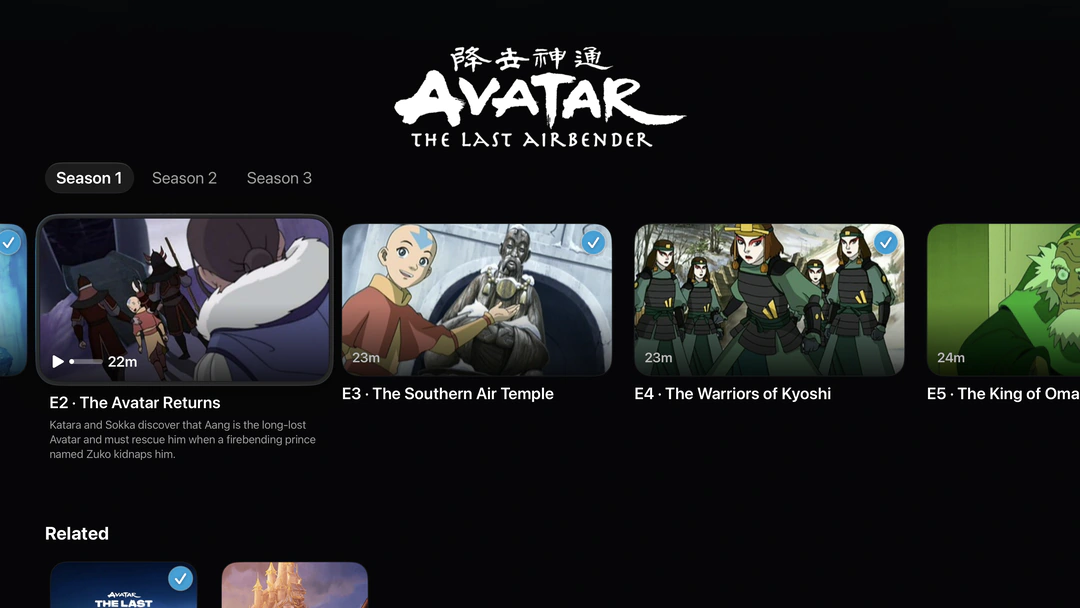
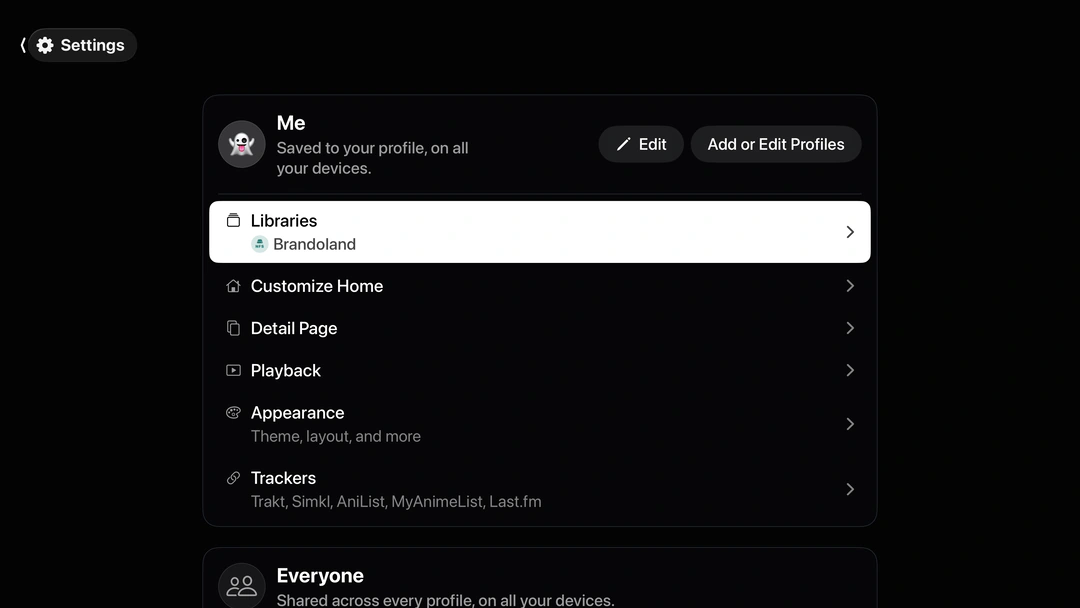
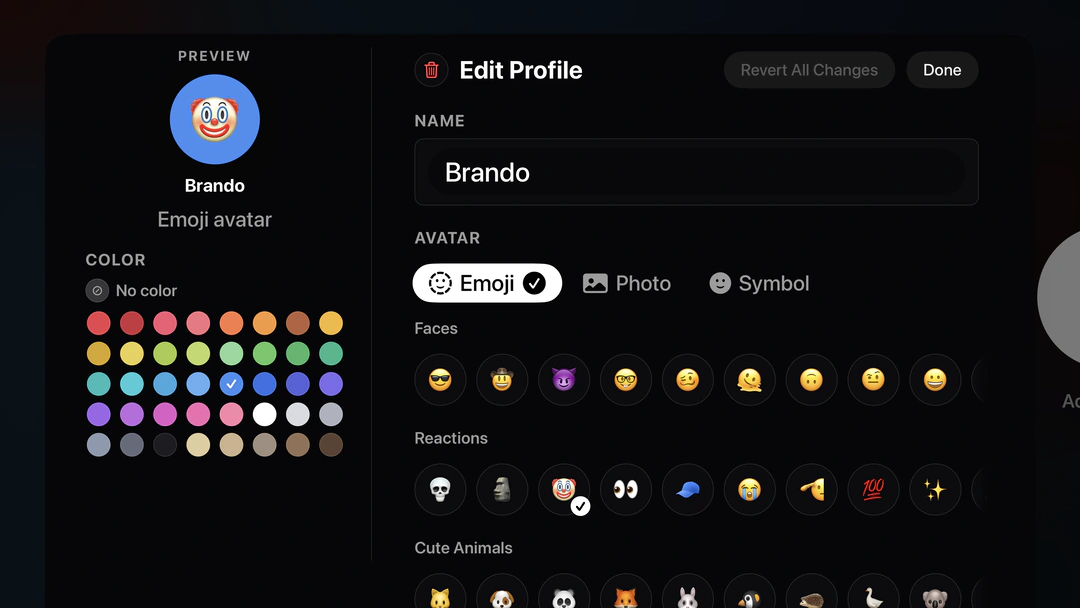
Each Plozz profile keeps its own presentation and library choices, with native profile switching on Apple TV. Server users still own their watch history and restrictions.
On iPhone and iPad, choose movie and episode quality for home, remote networks and cellular. Use a preset or set your own limits.
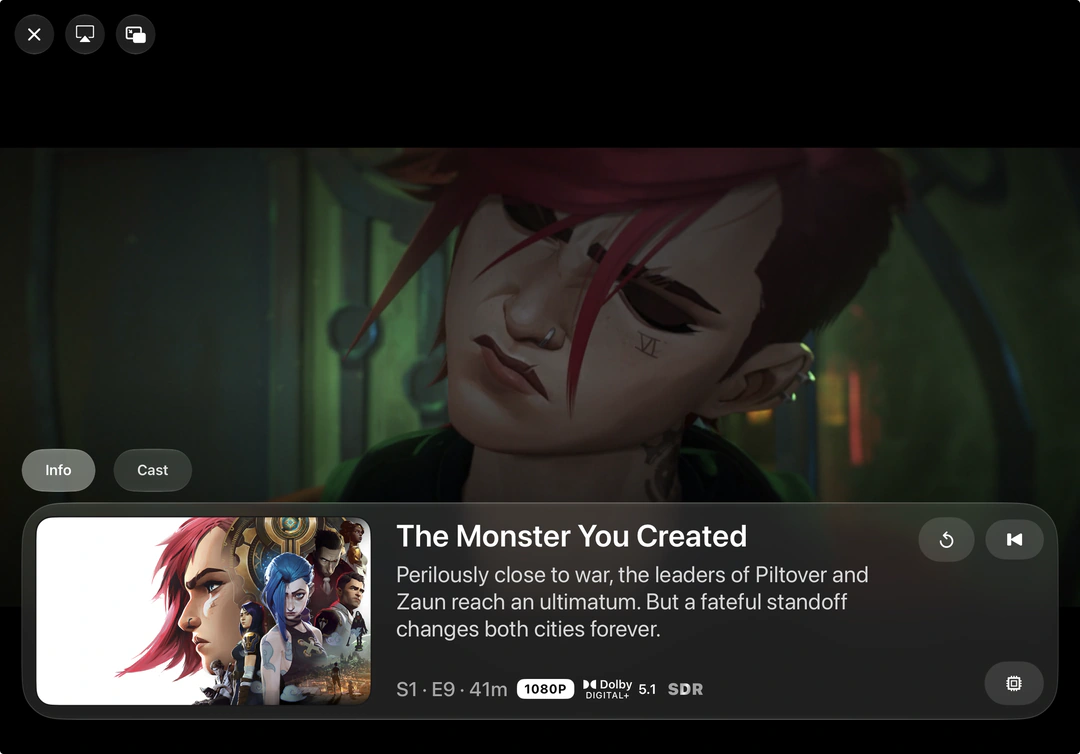
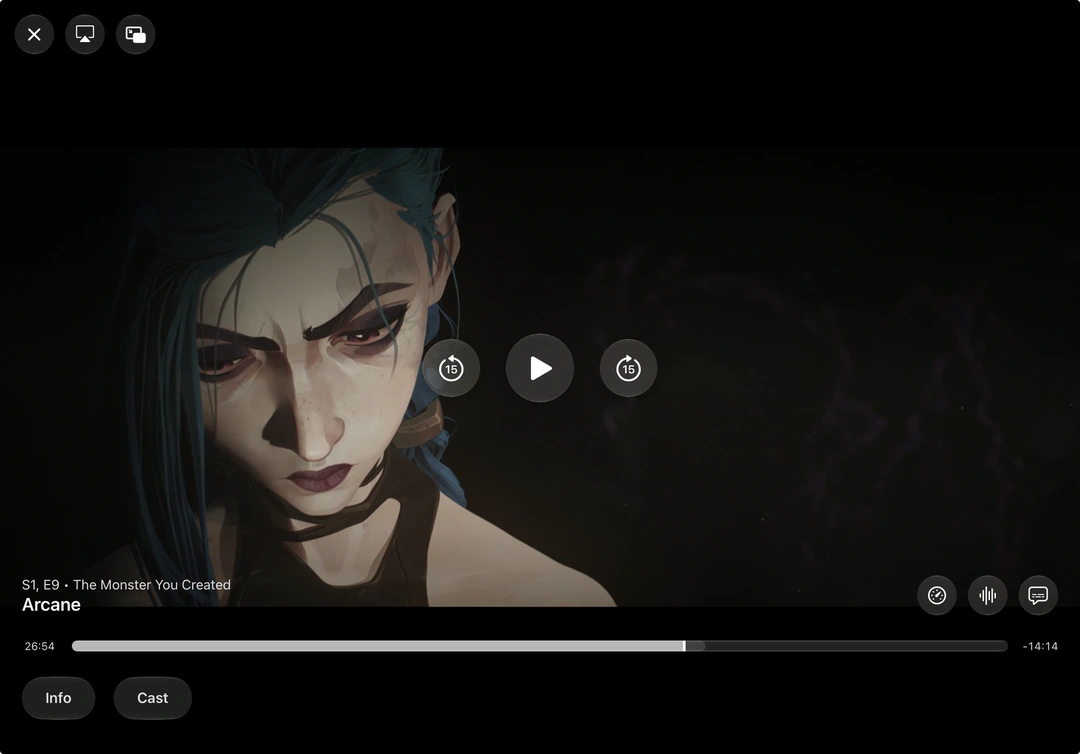
Streaming qualitySwitch files or editions on the active server without leaving playback. Your position and settings carry over.
Version controlsBring your own IPTV playlist or Xtream account. Browse the guide, save favorites and watch up to four channels together in Multiview.
Explore IPTV / Live TVHear the overhead effects in Dolby TrueHD Atmos and DTS:X tracks, rendered through AetherEngine. Included free, on tvOS 26 or later with a compatible Atmos setup.
How height audio worksProfiles 5, 7, 8.1 and 8.4. Profile 7 is converted to 8.1 during playback on compatible hardware.
Dynamic metadata from supported files, with output dependent on your device, display and playback path.
E-AC-3 JOC stays intact on compatible playback paths. TrueHD Atmos and DTS:X use the height-rendering path above.
HEVC, H.264, AV1, VP9, MPEG-2, VC-1 and the rest, in MKV, MP4 or a Blu-ray image.
Audio, subtitles and containers, with the edge cases stated plainly.
Every supported format


 Silo
Silo Plozz
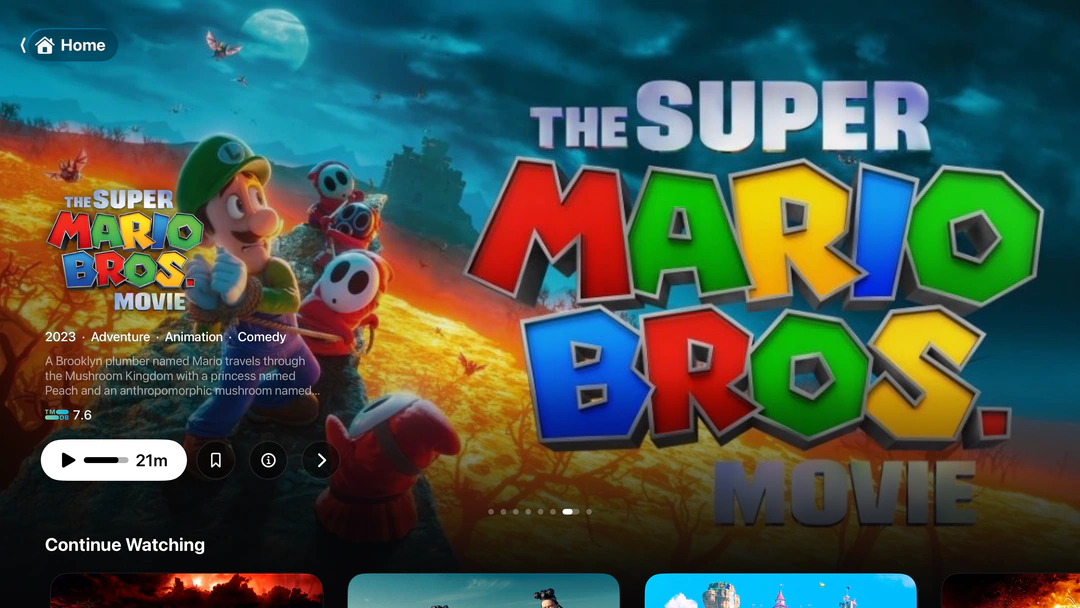
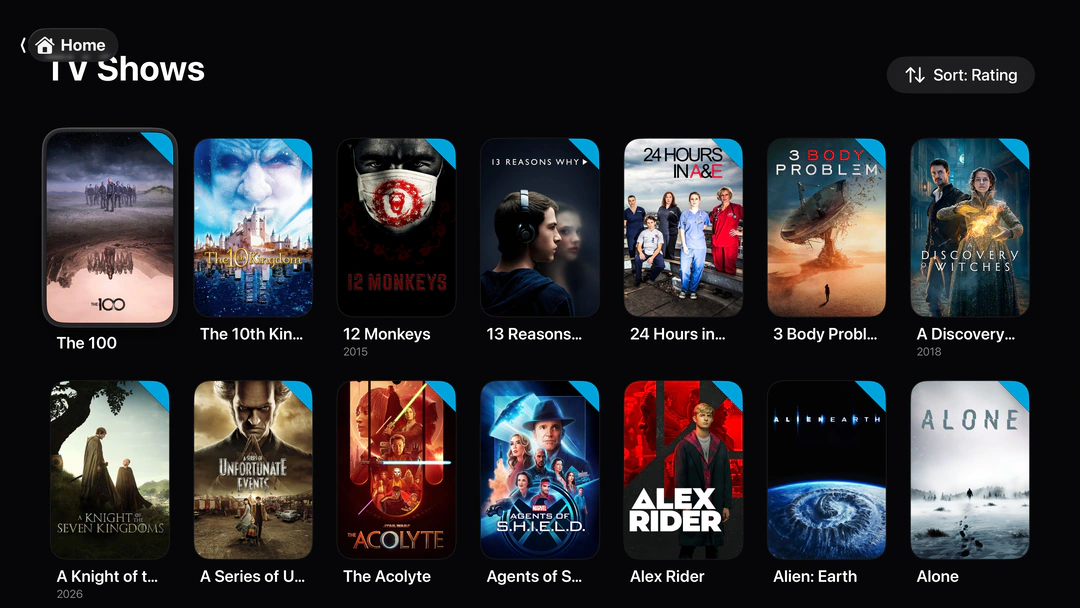
PlozzYour servers fold into a single library. Keep each server’s watch history separate, or enable optional cross-server history sync.
Every copy is weighed on how close the server is, what your device plays natively, then resolution and HDR.
Choose a source before playing when several servers have the same title. In-player version changes stay on that chosen server.
Automatically tint and dim the screen following sunrise and sunset or a custom schedule.
Height channels on supported Apple TV setups, rendered through AetherEngine. No paid audio tier.
TrueHD and DTS-HD MA channel playback, separate from the height-audio rendering path.
Send video from iPhone or iPad to another screen.
Save films and episodes on iPhone and iPad, including from Silo.
Find and load subtitles in the player where your server supports it.
Profiles, preferences and server setup across your devices, without cloud-syncing server credentials.
Free and open source, like Plozz.
See how it worksSubtitle search and styling in the player.
See how it worksNative libraries and playback on every device.
See how it worksSiloNative Silo support, without compatibility mode.
See how it worksConnects over SMB, NFS, WebDAV, SFTP and FTP.
See how it worksYour playlists, authorized server channels and scheduled library channels. No bundled channel subscription.
See how it worksIf you’ve enjoyed using Plozz, a donation means a lot. It’s free either way.
Yes. Plozz is free software, licensed under the GPL-3.0 and open source — no subscriptions, no ads, no upsells. If it’s useful to you, sponsorship is welcome but never required.
Yes. Plozz is a completely free, open-source player for Apple TV, iPhone and iPad, with no subscription or paid feature tier. Connect your supported media server or network share. See Plozz as an Infuse alternative, including connection options and limitations.
Plozz combines supported servers and network shares in a completely free, open-source player. Infuse, VLC, Plex, Emby and Swiftfin each suit different setups; VLC and Swiftfin are also free and open source. Compare the players by library, workflow and what to check before switching.
Yes. Plozz uses AetherEngine to render height audio from supported Dolby TrueHD Atmos and DTS:X tracks on tvOS 26 or later with compatible Atmos equipment. It uses Apple Positional Audio and Dolby MAT, not untouched bitstream passthrough. See requirements and the audio-quality tradeoff.
Yes, on Apple TV, iPhone and iPad. Connect your own M3U playlist or Xtream account, add an XMLTV guide, or use authorized Plex, Jellyfin and Emby channels. The guide includes search, favorites, recents and up to four-channel Multiview. Explore IPTV / Live TV. Plozz does not supply channels or a channel subscription.
Use a Jellyfin, Plex, Emby or Silo server you have access to, or connect directly to SMB, NFS, WebDAV, SFTP or FTP storage. You can also bring your own IPTV playlist without a media-server account. Plozz doesn’t provide films, shows or public channels.
There’s no Plozz account or usage analytics. Server credentials stay in the device Keychain; iCloud sync carries non-secret setup and preferences. Approved device-to-device setup can transfer eligible logins, but Silo always needs separate approval on the receiving device. Connected metadata services and trackers receive the requests needed for their features. Read the privacy policy.
Use the public TestFlight invitation for Apple TV, iPhone and iPad. The build available to you depends on Apple’s beta review and TestFlight availability.
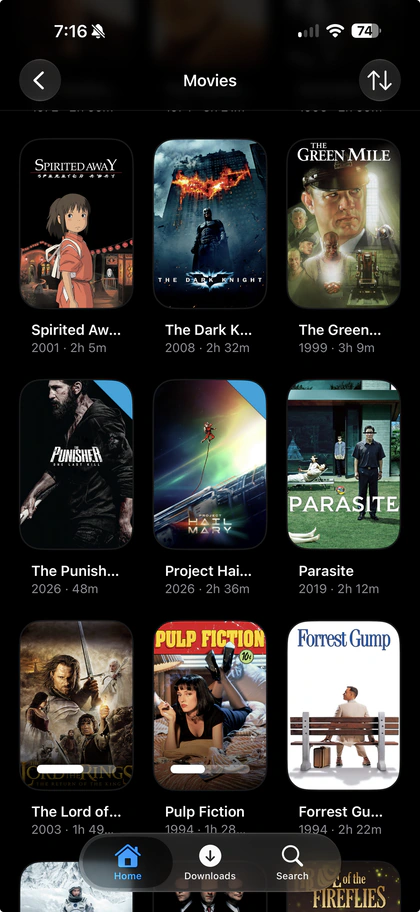
All three have native playback, libraries, profiles and in-player version selection. iPhone and iPad add offline downloads, movie/episode streaming-quality controls, Picture in Picture and AirPlay. Apple TV has remote-focused navigation and Top Shelf. There are no offline downloads or mobile-style streaming-quality controls on Apple TV.
No. Plozz connects to Silo’s native v2 API. Approve the device in Silo, then choose the server profile. Its library restrictions, PIN protection and watch history remain server-owned. Silo support and limitations.
On iPhone and iPad, set movie and episode quality for your local network, remote Wi-Fi/Ethernet and cellular connections. Choose a preset or independent resolution and total-bitrate limits. Originals play when they fit; otherwise the server must support conversion. These controls don’t change music, Live TV, downloads or network-share playback. Quality details.
Yes, on Apple TV, iPhone and iPad. Pick another file or edition on the active server/account while keeping your position, pause state, speed, quality and matching tracks. Different cuts can have different timelines. This is version switching, not in-player server switching.
No. Plozz profiles keep presentation, library choices and preferences separate. Connected server users or profiles still own their permissions and watch history. A Plozz household profile doesn’t create or replace a Plex or Silo identity.
Plozz has no paid tier, but it can’t remove a server’s requirements. Transcoding, downloads and other server-backed features depend on its capabilities, configuration and permissions. Plex Common Sense Media topic guidance requires an eligible active Plex user with Plex Pass access; it isn’t available across all providers.
Join the Plozz Discord to chat with other users and discuss the app.
Open an issue on GitHub — that’s the best place to report bugs and request features.